Why I can’t choose between team analog or team digital

Welcome to edition 001 of For Your Curiosity.
To say it’s been a rollercoaster to get here would be an understatement…
I am someone who agonises over the small details. Some might say too much (but that really depends who you’re asking). A master craftsman would likely say ‘not too much’ and as I sit here writing this in my japanese style craft worker jacket I’d have to say, I agree.
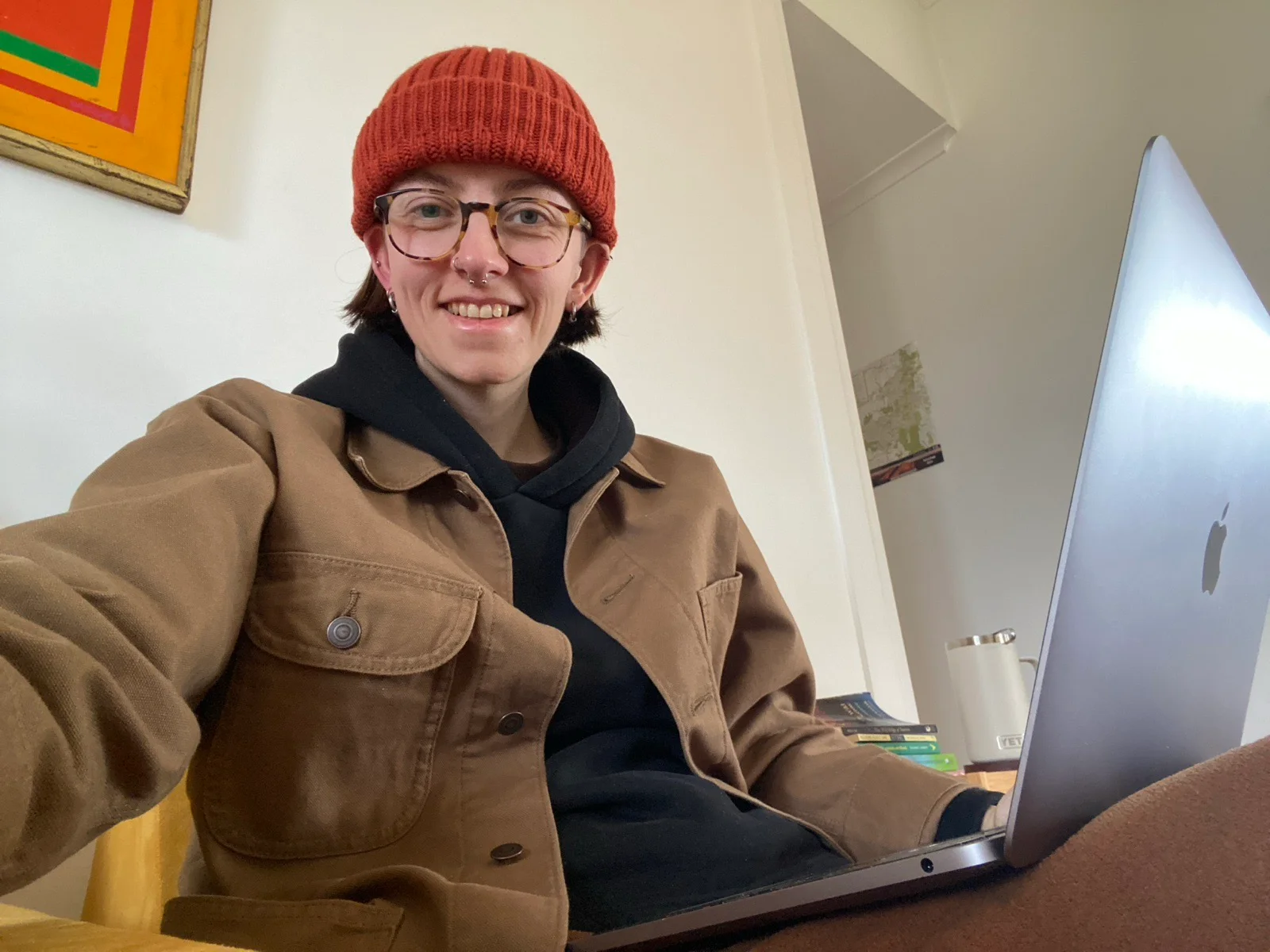
I’ve gone through a number of name variations to get to this point and finally feel content with where I landed.
But all of that aside, what do I want to share with you today in edition 001?
Well, as it’s number 1 I thought it would be useful to invite you into my world and get you familiar with what I’m currently exploring with my analog and digital tools.
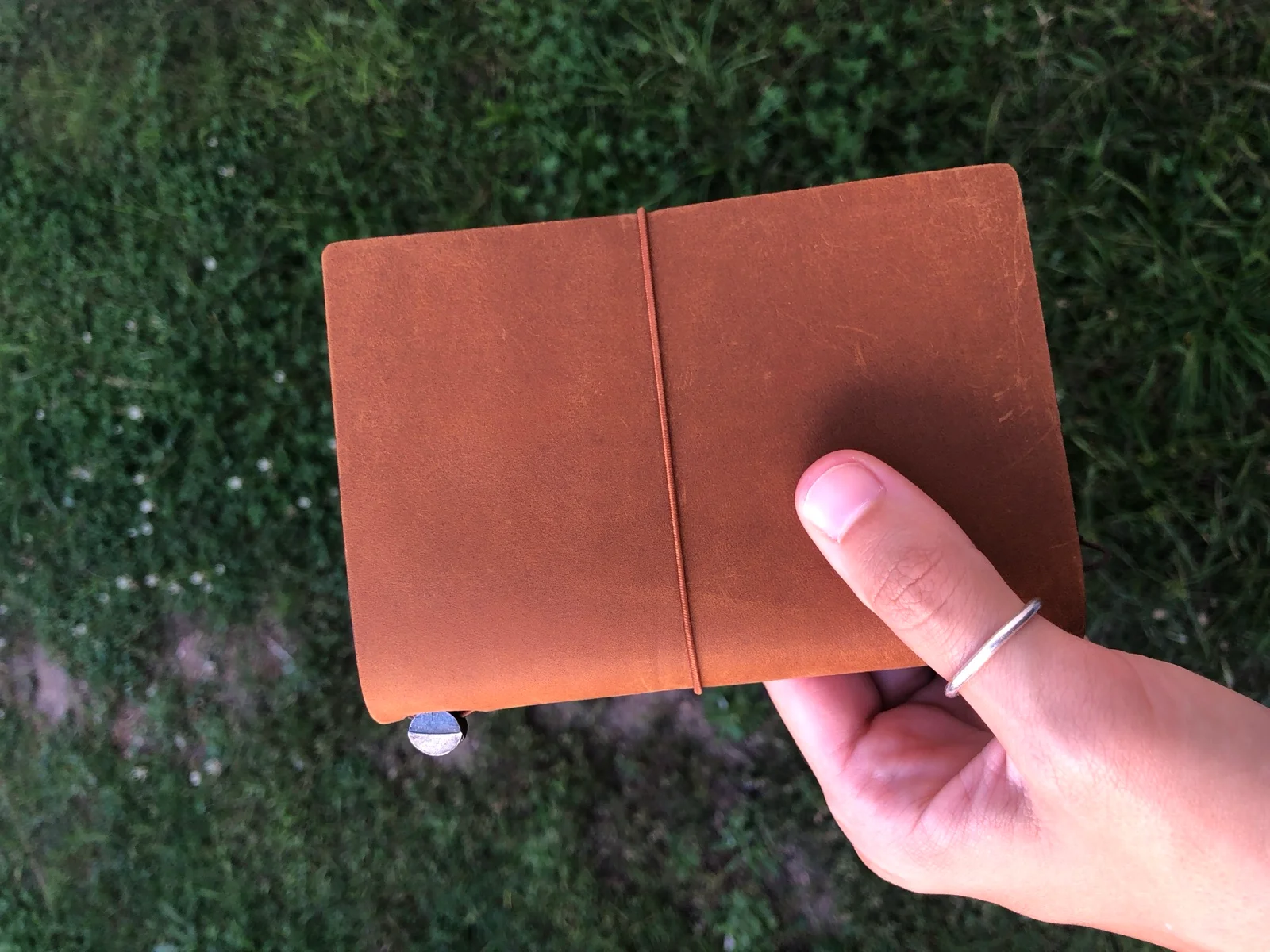
I got my first Traveler’s Notebook on 24th February 2025. Since then I have bought another two. (I’m the kind of person that would rather have three with two inserts than one with 6 inserts).
I was drawn to Traveler’s Notebooks after growing tired of carrying around a pile of notebooks (because I’ve never been a one notebook kinda gal). Why carry a pile of notebooks when I could carry just one that has multiple notebooks inside of it?!
It was a genius idea.
Of course, I’m now technically carrying around three notebooks but that is solved by having them in one bag. Hence I’m now back to carrying around just one thing. Hurrah!
I’ve always been drawn to notebooks and other analog tools because of my ability to customise them. Physical objects are far more maleable than any of their digital counterparts.
Need to see a whole year at a glance? Tear apart your calendar and stick it on your wall.
Need to see a whole year at a glance on your computer? Good luck…
I’ve taken great joy in not only customising my own tools but discovering all the weird and wonderful ways other people customise theirs. For example, the Hipster PDA. Simple, yet genius.
As someone with a brain that often seems to have a brain of it’s own (I’m talking, ADHD), customising my tools has been my go to for years.
Digitally, however, I’ve always felt quite limited. There’s only ever been so much tinkering and customising that I could do.
I wish I could tell you how many hours I poured into Notion, customising it to make systems that actually worked for how my brain worked. It was wonderful.
Until it wasn’t.
I felt limited by the lack of offline use (at the time) as well as the slow speeds, the customisable but still limited options, and, of course, the fact I didn’t ever have an actual copy of my data unless I exported it.
This all changed, however, when I got into ✨ vibe coding ✨. (I don’t think I’m gonna be able to say it without the sparkles I’m afraid. There’s just something about the phrase that I find rather humorous).
Since starting a Claude subscription, I don’t think I’ve had as much fun with my computer since I pretended to be sick my entire school holiday week to play Runescape.
I’ve also had a fair few frustrating moments because… well… it’s AI.
I’ve felt liberated from the enshittification of software for the first time (thanks to the insane flexibility of Obsidian). I’ve built an entire custom digital tool ecosystem for exactly how my brain works. It’s been incredible!
And, at the drop of a hat (or there abouts), I have the ability to customise it again when my brain decides it no longer wants to use it anymore. (There’s a fine line between procrastination and making something interesting for your brain again so you can keep going with your work and truthfully I’m not immune from the first.)
If you’re curious to know what I’ve been building with Claude, here’s just a few of the most useful to me so far:
- Invoice Generator (I built an HTML invoice generator that means I can keep all my finance information on my computer, unbranded and accessible without having to log into another account)
- A custom task app called Checkle (this has a companion iOS app and macOS quick capture popup and features helpful things like time estimates on tasks, custom reminders, available time planning and so much more)
- Calendar app (you’d think this doesn’t need redesigning but my calendar app now actually helps me accurately plan my time at a glance — no more overcommitting on things that I don’t have the time for)
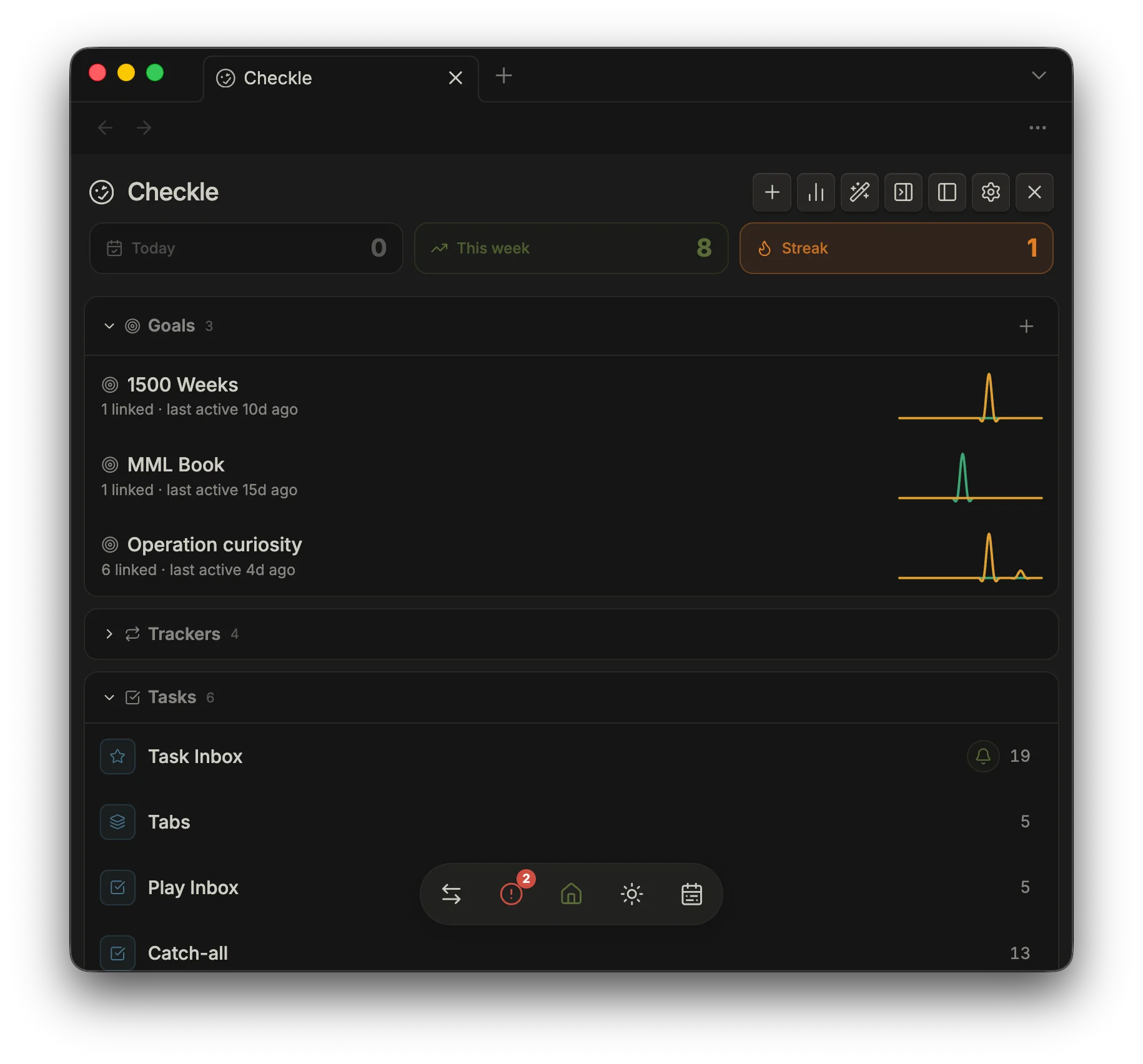
So, this week is really just an introduction to some of my tools. I hope you’ve enjoyed it and I’ll share more with you in the next one.
Curiously,
Natalia
PS. If any of this has got you curious, I’d genuinely love to hear it.